
A great desk should stay in the background. It gives your monitor, keyboard, lighting, power, and daily tools a stable place to work without turning the desktop into another problem to manage. The goal is not a larger desk or a more expensive one; it is a desk that removes wobble, glare, cable clutter, and awkward reach from your working day.
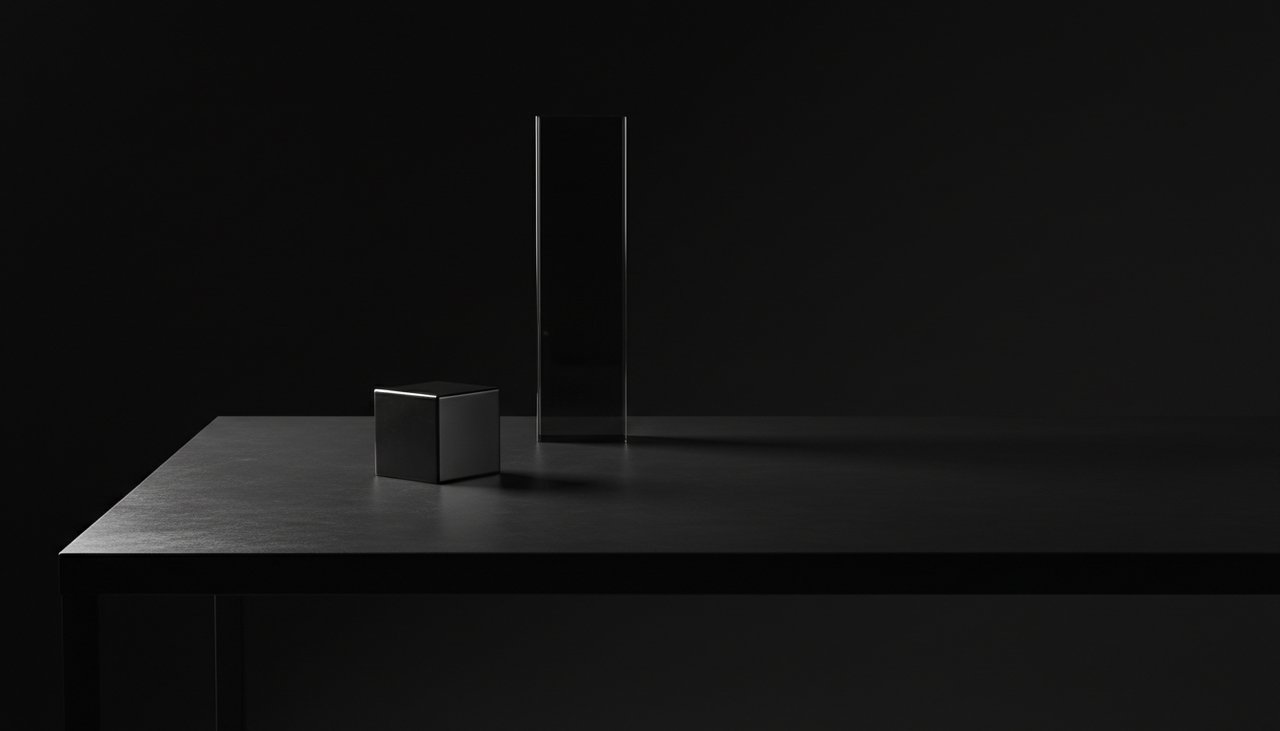
Most distracting desks fail in predictable ways. A polished surface reflects overhead light. A light frame shakes each time you type. Power bricks and data cables creep into your line of sight. These issues seem small, but they keep asking for attention during long sessions.
- Choose enough depth so the screen can sit at a comfortable focal distance.
- Use a matte, tactile surface that does not bounce light into your eyes.
- Prioritize a rigid frame before adding accessories or decorative objects.
- Route power and data underneath the desktop before the desk is in daily use.
Building a desk that stays out of the way is a matter of controlling these physical details. Once the surface, structure, sightline, and cables are handled, the workspace becomes quieter because it stops competing with the work.
Start With the Working Envelope
Desk size should be based on the equipment you actually use, not on the largest surface that fits the room. The useful area is the working envelope: the zone that keeps your screen, keyboard, mouse, notebook, and task lighting within reach while still leaving empty space around them.
- Depth: Use at least 70cm for a laptop setup and around 80cm for an external monitor. This gives the screen room to move back from your face.
- Width: A single-monitor desk usually works well at 120-140cm. Dual monitors, speakers, or a desk lamp are easier to manage at 150-180cm.
- Clearance: Leave enough space under the desk for your knees, chair arms, and cable tray. A crowded underside makes the desk feel smaller than it is.
A shallow 60cm desktop can work for a laptop-only setup, but it becomes uncomfortable once a monitor stand, keyboard, and notebook are added. Moving to 80cm of depth creates a noticeable change because the monitor can sit at an ideal focal distance instead of directly in front of your face. That extra space also keeps reference materials from pushing your keyboard too close to the front edge.
Select a Surface That Does Not Fight Your Senses
Your forearms touch the desktop for hours, so the material matters as much as the size. Glass, glossy lacquer, and cheap high-shine laminates often feel cold, show fingerprints, and reflect ceiling light. Each of those traits adds a small visual or tactile interruption.
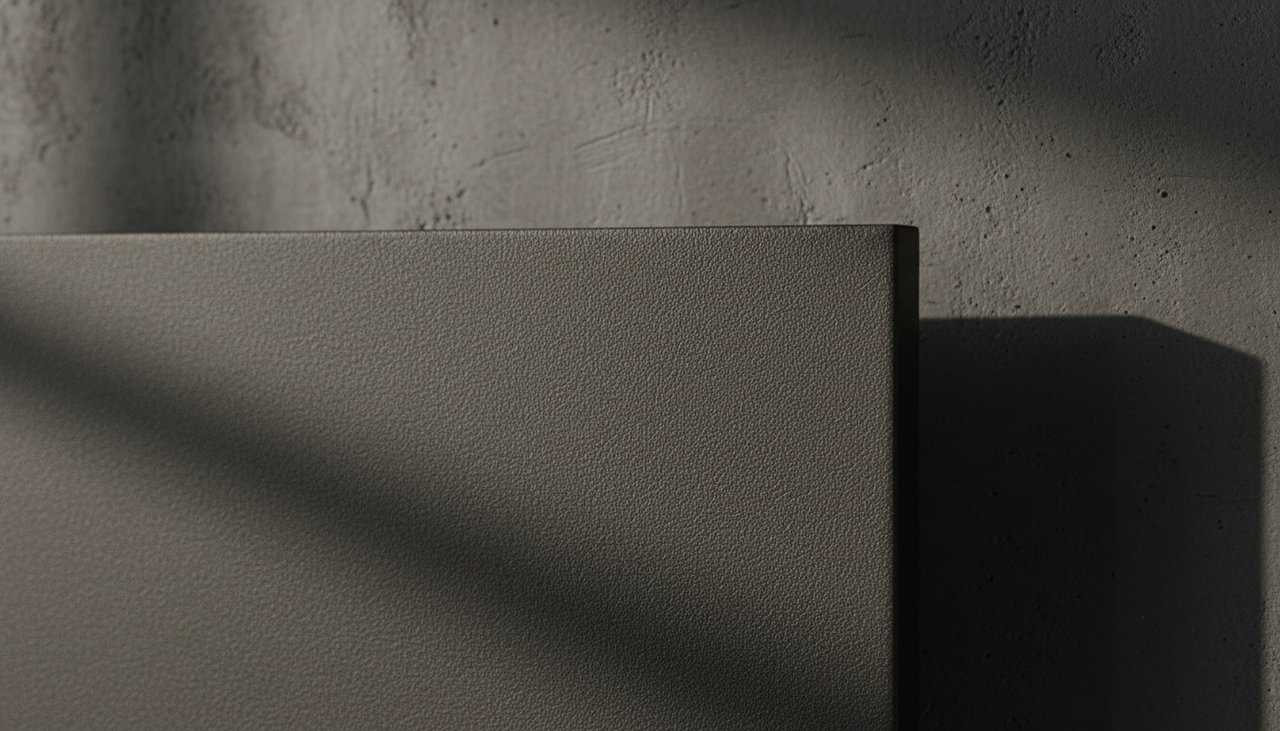
A better desktop surface is matte, low-glare, and neutral to the touch. Linoleum, high-quality matte laminate, solid wood with a low-sheen finish, and advanced surfaces such as Fenix NTM all reduce the amount of light and texture your eyes have to process.
- Matte finish: Absorbs ambient light instead of scattering it across the desktop.
- Fine texture: Gives your hands enough grip without feeling abrasive during long typing sessions.
- Fingerprint control: Keeps the visual field uniform, especially on dark desktops.
- Comfortable edge: A small radius or chamfer prevents the front edge from pressing into your forearms.
If you use a desk mat, choose it for texture and mouse control rather than as a way to hide a poor surface. A mat can soften contact points, but it will not fix glare from a glossy desk or vibration from a weak frame.
Set the Screen and Input Geometry
The desk should support a neutral posture before it supports a visual style. Most monitors sit too low on their original stands, which pushes the head forward and loads the neck. The keyboard and mouse can also create strain if they sit too high or too far from the body.
- Place the top of the main display close to eye level, then adjust slightly for your natural gaze.
- Keep the monitor roughly an arm’s length away, with more distance for larger screens.
- Set the keyboard so your elbows can stay near your sides and your wrists can remain neutral.
- Use a monitor arm when the original stand consumes too much depth or blocks useful space.
An adjustable monitor arm is often the single most effective upgrade because it frees the back of the desktop and makes screen height easy to tune. A slight upward tilt, usually around ten to twenty degrees, lets your gaze fall naturally toward the center of the display. The result is a desk that fits your body instead of forcing your body to adapt to fixed hardware.
Build for Structural Silence
A desk that shakes is never invisible. Movement in the frame becomes movement in the monitor, and that vibration is amplified every time you type, write, or lean on the surface. Stability should be treated as a core feature, especially for standing desks and wide desktops.
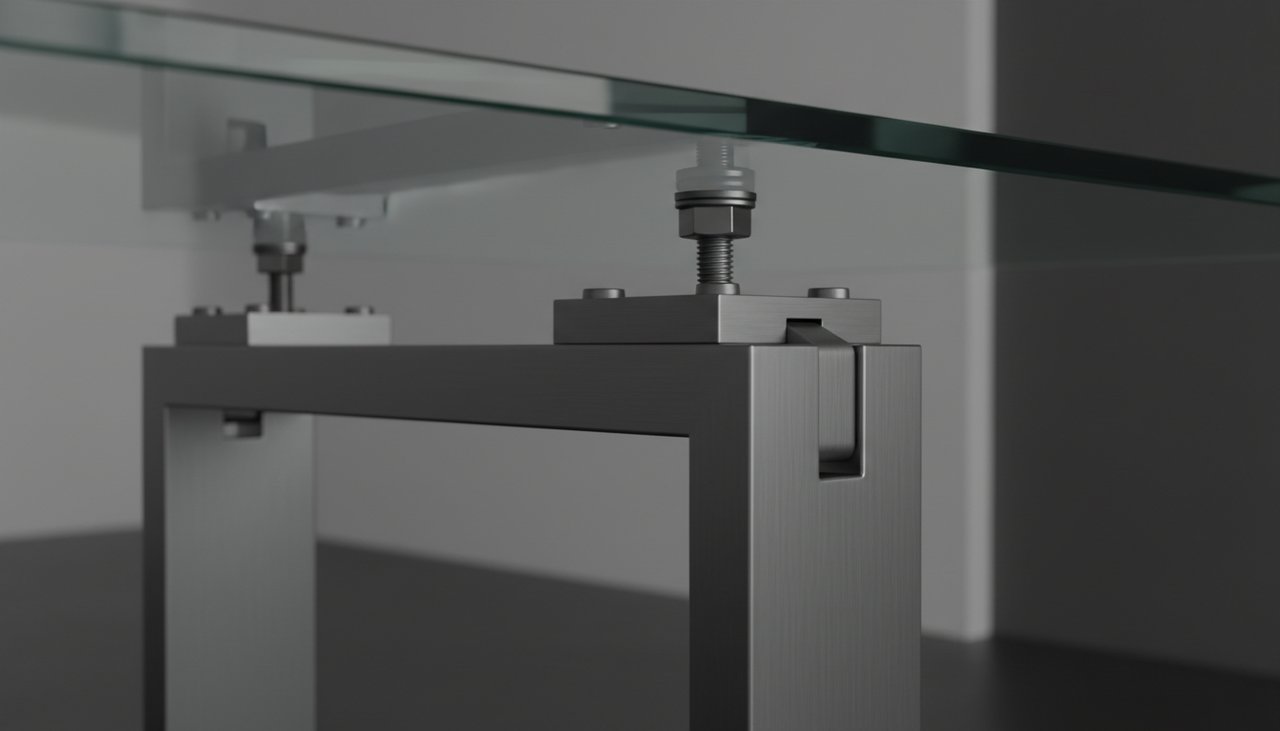
Frame design matters more than the visual thickness of the legs. Cold-rolled steel has the mass needed to absorb small impacts, while a dual crossbeam design helps resist lateral flex. For height-adjustable desks, dual motors usually provide better balance and smoother movement than light single-motor frames.
- Check for side-to-side movement at both sitting and standing height.
- Look for a frame rated well above the actual load of your monitor, arms, speakers, and accessories.
- Use proper fasteners and tighten them after the first week of use, once the desk has settled.
- Choose lifting columns that operate quietly enough to adjust without breaking concentration.
The sound of the desk is part of its presence. Quiet lifting columns that operate below fifty decibels allow position changes without turning the desk into an event. A stable, quiet frame lets the desk absorb the energy of your work instead of reflecting movement and noise back into the room.
A desk must absorb the energy of your work without reflecting instability, glare, or clutter back into your environment.
Conceal the Functional Chaos
Cables are necessary, but they do not need to be visible. Exposed power cords and data cables create visual noise because the eye naturally follows loose lines. Good cable management is easiest to install before the desk is fully loaded with equipment.
- Mount a wide cable tray slightly recessed from the rear edge of the desktop.
- Fix a power strip inside the tray so only one main cable drops to the wall outlet.
- Separate power, display, and charging cables with reusable ties or clips.
- Leave a service loop for monitor arms and height-adjustable desks so cables do not pull tight.
This hidden pathway keeps the desktop visually clear while leaving the hardware accessible when you need to change something. The best cable setup is not permanent; it is organized enough to stay invisible and flexible enough to service without taking the desk apart.
Use One Anchor Object, Not a Collection of Distractions
Once the desk is stable, matte, and organized, the objects on top should be chosen with the same restraint. A single anchor object can help define the workspace without crowding it. The key is to choose something tactile, dense, and visually quiet rather than a group of small decorative pieces.

The same principle that makes a matte surface useful also applies here. A cool, smooth, slightly weighted object gives the hand a simple physical reference point between tasks. It should reset attention, not advertise itself.
- Keep the object outside the keyboard and mouse zone.
- Choose a low-glare finish so it does not become another reflective surface.
- Use one object with enough presence instead of several small items spread across the desktop.
When every object has a reason to be there, the desk remains available for work. That is the difference between a styled desktop and a useful one.
Final Desk Setup Checklist
Before calling the setup finished, test it during an actual work session. A desk can look resolved in a photo and still fail when you type, switch tasks, charge devices, or adjust your chair.
- The monitor sits far enough away that your eyes can relax.
- The desktop does not reflect overhead lights or bright windows into your field of view.
- The frame stays steady while typing at normal speed.
- Your forearms can rest without pressure from a sharp edge.
- Only the tools needed for current work remain visible on the surface.
- Cables are hidden, but still reachable for maintenance.
Start with one weakness in your current setup rather than replacing everything at once. If glare is the problem, solve the surface or lighting first. If the monitor shakes, address the frame. If the desktop feels crowded, fix depth, cable routing, and object discipline before buying more accessories.
FAQ
What desk depth is best for focused work?
For most monitor-based setups, around 80cm of depth is more comfortable than 60cm because it lets the screen move back from your face. Laptop-only desks can work with less depth, but external monitors, notebooks, and lamps need more room.
Is a standing desk worth it if stability matters?
Yes, but the frame must be rigid enough at standing height. Look for dual motors, strong lifting columns, and a frame with good lateral resistance. A standing desk that wobbles will become more distracting than a fixed desk.
Which desktop material reduces glare best?
Matte linoleum, low-sheen wood finishes, premium matte laminates, and surfaces such as Fenix NTM are better choices than glass or glossy lacquer. The goal is a surface that absorbs light and keeps fingerprints visually quiet.
How do I hide cables without making maintenance difficult?
Use a recessed cable tray, mount the power strip inside it, and group cables with reusable ties. Leave enough slack for monitor arms and sit-stand movement so cables can move safely without becoming visible.
What should stay on top of the desk?
Keep only active tools on the surface: keyboard, mouse, monitor, notebook, task light, and one quiet anchor object if it helps. Everything else should live in a drawer, tray, shelf, or cable channel.
Frequently Asked Questions
An 80cm desk depth is ideal. It provides enough space for your monitor to sit at a comfortable focal distance. This distance reduces visual pressure and allows for better concentration.
Matte surfaces like linoleum or advanced laminates such as Fenix NTM are designed to absorb light. This significantly reduces glare and prevents eye fatigue from constant pupil adjustment. They also resist scratches and fingerprints.
Position the top of your monitor at eye level. This keeps your neck in a neutral, upright position, preventing muscle tension. Tilting the screen up slightly (10-20 degrees) aligns your gaze naturally.
Choose a heavy-duty frame, ideally with dual motors, to ensure stability at any height. Upgrading to a robust steel frame eliminates resonance. This structural silence removes visual distractions while typing.
Standing desks can alleviate sedentary issues and improve circulation. The key is to alternate between sitting and standing throughout the day, not just stand continuously. Focus on smooth transitions and proper ergonomic setup in both positions.
Steel frames are generally preferred for their durability and stability. Look for heavy-gauge steel, especially for standing desks, to prevent wobbling. Powder-coated finishes offer both aesthetic appeal and scratch resistance.
Install a large, recessed cable tray under the desk surface to keep wires out of sight. Use cable ties or sleeves to bundle wires neatly. This minimizes visual clutter and maintains a clean workspace.
Minimalist accessories that serve a clear function, like a pen holder or a desk mat, can help. Consider a tactile object, such as a matte silver stone, to serve as a grounding anchor for your mindset during intense work.
Look for desks with dual motors, as they tend to operate more smoothly and quietly, typically below 50 decibels. Read reviews specifically mentioning motor noise levels. A stable frame also contributes to overall quiet operation.
Absolutely. A well-designed desk removes physical and visual distractions, allowing for sustained concentration. Conversely, wobbles, glare, or poor ergonomics drain energy and interrupt your focus, hindering productivity.